
Point of Care Testing for Pharmacy Technicians
This 4-hour training prepares pharmacy technicians to support point-of-care testing services in the pharmacy setting, in alignment with current clinical practices and regulatory requirements.
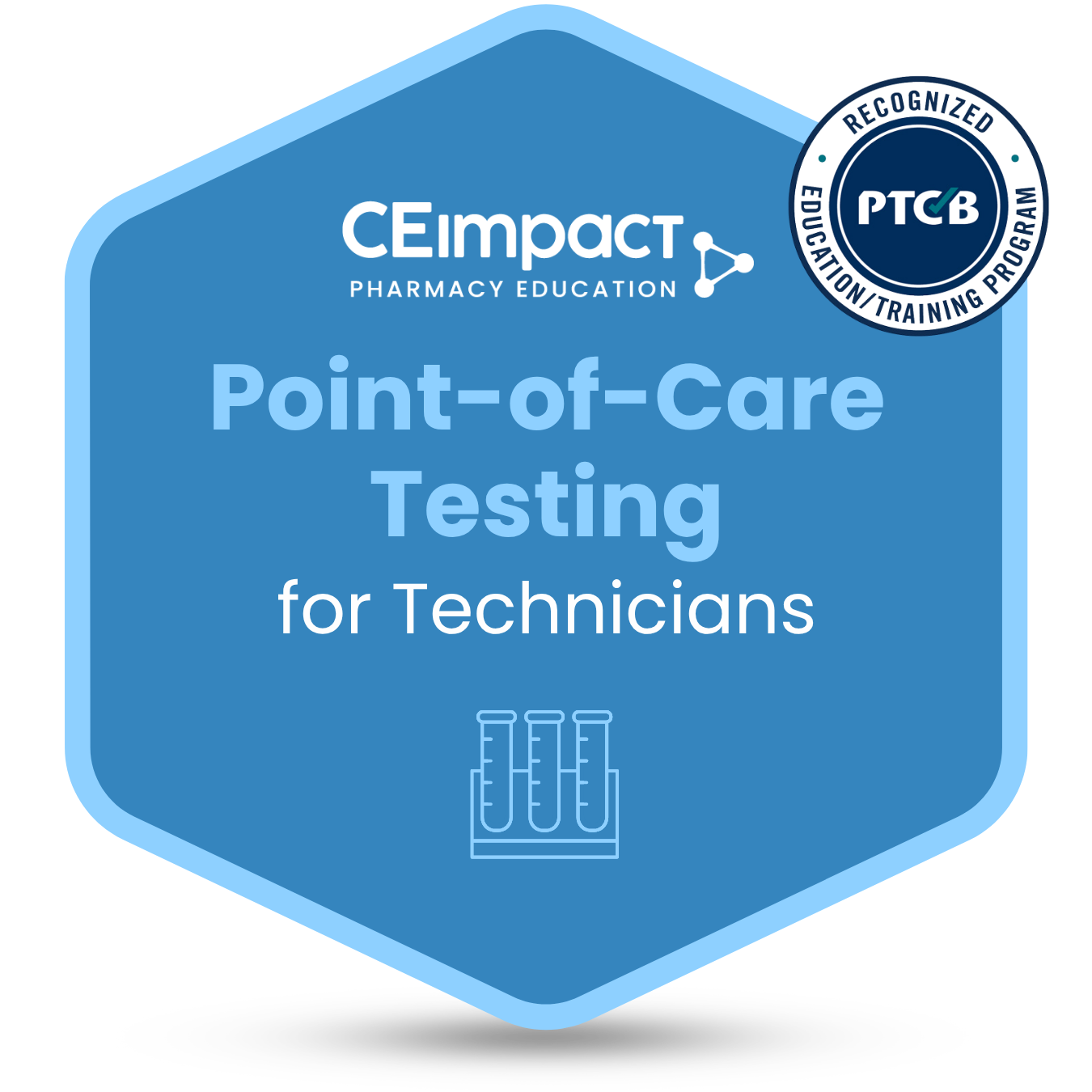
Designed as a microcredential program, this course provides focused, practical training and awards a digital badge upon successful completion.
Course content includes:
- Compliance requirements, including how to obtain a CLIA waiver
- Procedures for PPE, specimen collection, and device selection
- Testing procedures for diabetes and hyperlipidemia
- Administration of tests for COVID-19, Influenza, HIV, Hepatitis C, and Group A Strep
- Documentation of hands-on specimen collection techniques tailored to pharmacy workflow
Technicians also explore current trends in pharmacy practice, the evolving role of technicians in testing services, and appropriate follow-up actions after testing to support patient care.
This training emphasizes practical application, including selecting appropriate testing methods, collecting specimens, and supporting workflow integration within the pharmacy.
The program is designed to help pharmacy technicians build specialized skills, contribute more directly to patient care services, and prepare for expanded responsibilities within an evolving pharmacy practice environment.
Interested in pursuing the Adv-CPhT designation? CEimpact also offers a bundled version of this course that includes access to the PTCB certificate exam. Access it HERE.
Earn your microcredential and build practical testing skills – enroll today.
Claim Your Badge
You will receive an email from Credly (our credential partner), after you complete the course, inviting you to claim your digital badge for Point-of-Care Testing - Technician. This will allow you to easily share your achievement with colleagues, managers, and your professional network on LinkedIn and other platforms. When you receive the email, please click the button and create an account on Credly.com so that you can “accept” the badge.
Need help? Find a step-by-step tutorial video at this link.
 CEImpact is accredited by the Accreditation Council for Pharmacy Education as a provider of continuing pharmacy education. Obtain CPE credit by completing the course, followed by the exam and evaluation (if applicable). Once successfully completed, your course will appear in your Completed Courses tab. Access your CPE statement of credit at